Logitech MX Keys Mini: 5 Years Later
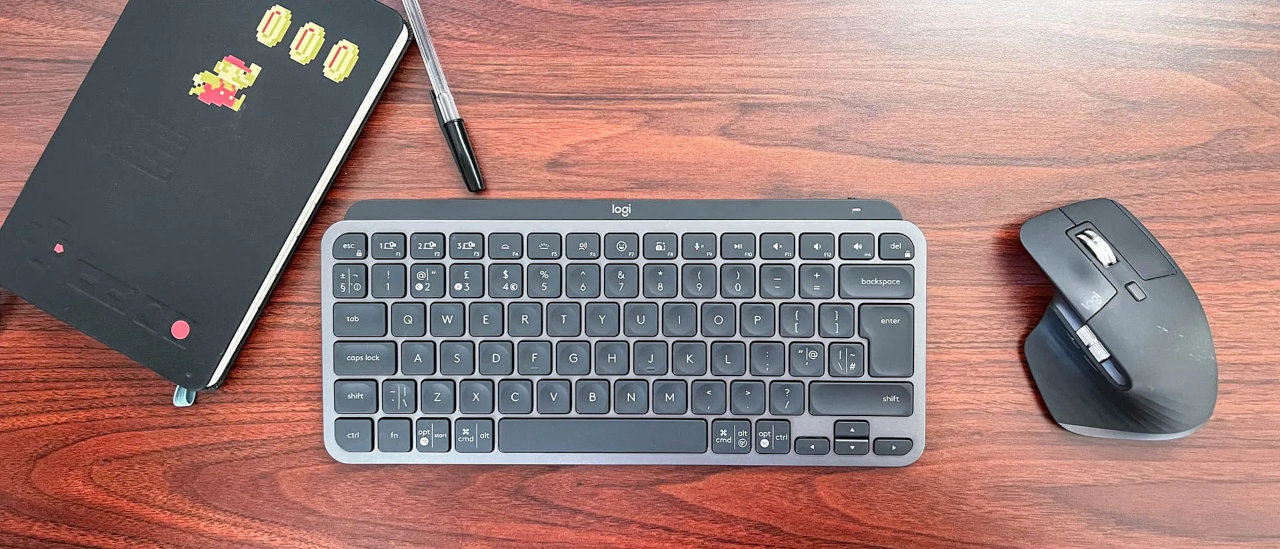
After using the Logitech MX Keys Mini for over 5 years, it has become an absolute staple on my desk. Here is my comprehensive review of this minimal yet powerful keyboard.
(Image credit: © Laptop Mag)
About My Unit
My specific unit is the Logitech MX Keys Mini US International (ISO layout). It features a compact 75% design with an L-shaped Enter key. This layout specifically caters to users like me who need to type accents and special characters easily.
Despite its small footprint, it offers smart backlighting, a remarkably stable, low-profile typing experience, and multi-device pairing via Bluetooth or Logi Bolt.

Key Features & Points
- Layout: US International (ISO) — Includes the L-shaped, tall Enter key and acts as a "dead key" system for accents (e.g.,
'+e=é). - Form Factor: 75% minimalist layout (no number pad). It is ideal for saving desk space and keeps your mouse closer for better ergonomics.
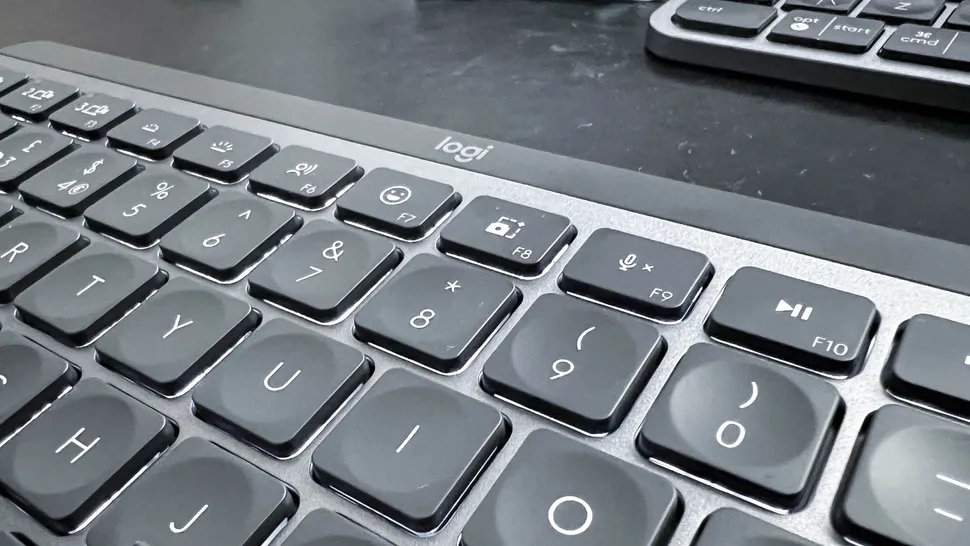
- Build: Sturdy metal frame with spherically-dished keys designed for quiet, tactile, and stable typing.
- Smart Features: Proximity sensors activate the white backlighting automatically as your hands approach the keyboard.
- Connectivity: Connects to up to 3 devices simultaneously via Bluetooth Low Energy or the Logi Bolt USB Receiver (sold separately).
- Battery Life: USB-C rechargeable. Logitech claims it lasts up to 10 days with the backlight on, or up to several months with backlighting off. In my case, I usually get around 2 months of battery life, switching actively between 3 connected devices all day.
- Customization: Fully functional with the Logitech Options+ software, which allows you to remap the F-keys (such as Dictation, Emoji, and Mute).
(Image credit: Laptop Mag)
Video Review
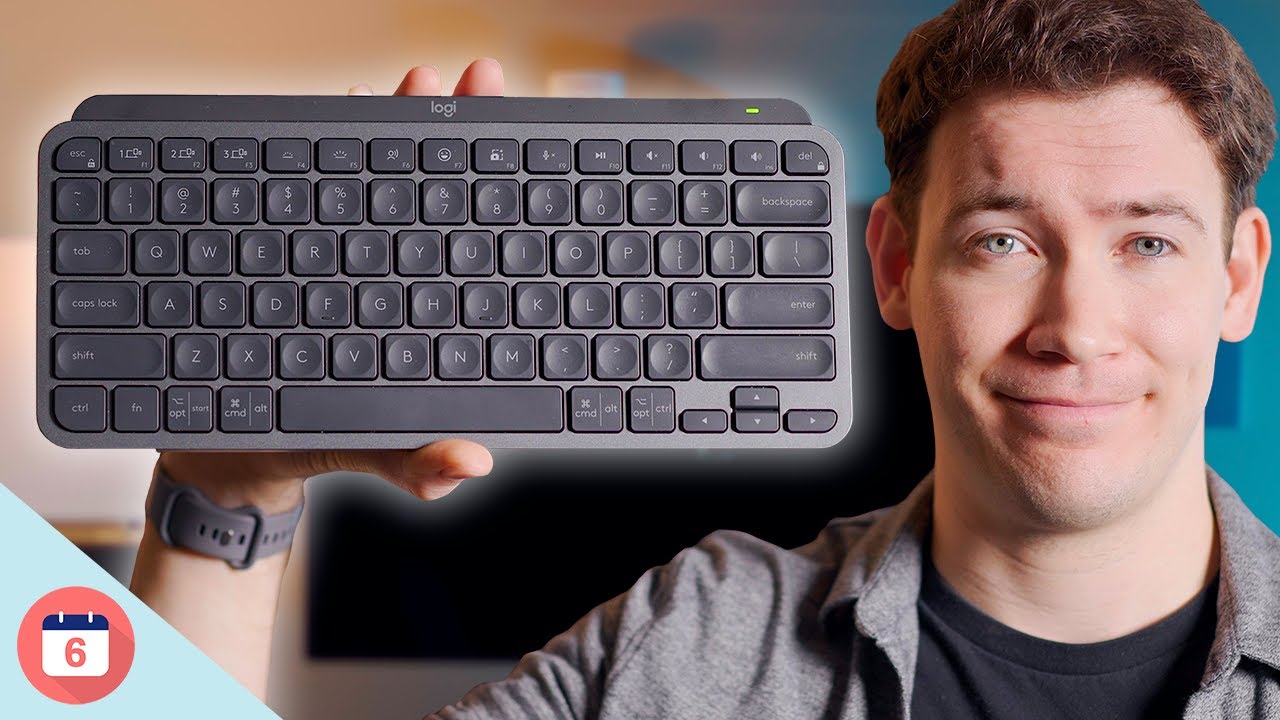
For a more visual breakdown of the keyboard's features and a typing sound test, check out this excellent video review below:
The Verdict
The MX Keys Mini is an excellent tool for anyone who types heavily, switches between multiple machines (like a work laptop, personal PC, and tablet), and values a clean, minimalist desk setup. After half a decade of use, it still holds up as one of the best wireless keyboards on the market.
Summary Scorecard
| Feature | Real-World Rating | Notes |
|---|---|---|
| Design & Build | ⭐⭐⭐⭐⭐ | Sturdy metal frame with a space-saving 75% minimalist layout. |
| Typing Experience | ⭐⭐⭐⭐⭐ | Low-profile, remarkably stable, quiet, and tactile. |
| Battery Life | ⭐⭐⭐⭐☆ | Solid 2 months of real-world use with active multi-device switching. |
| Connectivity & Features | ⭐⭐⭐⭐⭐ | Seamless multi-device pairing (up to 3) and smart proximity backlighting. |
| Value & Longevity | ⭐⭐⭐⭐⭐ | An excellent, durable investment that still holds up after 5 years of heavy use. |